Log in

AUGMENTED DESIGNER PROGRAM

THE
AUGMENTED
DESIGNER

Product roles are changing. AI tools keep shifting. Learn how to use AI to code and build systems that compound with you for a lifetime.

Product roles are changing. Learn how to use AI to code and build systems that compound with you for a lifetime.

VIEW COURSE
inject skills { AI-coding }
Skills loaded.
evolve --from designer --to builder
★ EVOLUTION COMPLETE
Welcome to the future.
AUGMENTED DESIGNER

Become an AI-native builder

Learn the same techniques top engineers use, explained for non-engineers.

MASTER
THE TECH

MASTER THE TECH

APIs, MCPs, context windows, and engineer workflows - decoded for non-engineers.

BUILD A
2ND BRAIN

BUILD A 2ND BRAIN

One system where all your work lives. AI accesses everything and gets smarter over time.

COMMAND
CENTRE

COMMAND CENTRE

Stop switching between 20 tabs. Connect to your files and tools from one place.

CODE LIKE
AN ENGINEER

CODE LIKE AN ENGINEER

Ship production-grade code that passes peer review. No AI slop.

FULL STACK
BUILDER

FULL STACK BUILDER

Go from idea to live product in days. Build apps, deploy, and iterate.

LAUNCH
BIZ

GO FROM BUILDER TO BUSINESS OWNER

Learn what it takes to launch a self-sustaining business that runs itself.

Designed for: designers PMs tech professionals creatives

Level up across 8 levels

Build the Foundation Perfect for those with no coding experience.
1
Level 1
LEVEL 1

Develop Engineer Mindset

Understand how AI coding works and think like an engineer

3 LESSONS AI mental models How LLMs work Prompt engineering Dev glossary
2
Level 2
LEVEL 2

Setup Your Core Tools

Get your environment ready and create your quality protectors

4 LESSONS Cursor Claude Code Voice coding Codebase setup DONT files
Augment Your Job For those ready to build.
3
Level 3
LEVEL 3

Build Your 2nd Brain

Learn how to use .md files and create Skills

5 LESSONS
Knowledge systems Problem framing Codebase chat Design process
4
Level 4
LEVEL 4

Autonomous Designer

Learn how to use APIs and MCPs

3 LESSONS
Get context Product Lifecycle Ticket management Happy Coder NemoClaw
5
Level 5
LEVEL 5

Ship Code Like An Engineer

How to ship your first PR end-to-end

18 LESSONS
70-20-10 rule Solution architecture GitHub Pull requests Feature flags Testing Prototyping
6
Level 6
LEVEL 6

Prove Your Impact

Run experiments and let data prove your designs work

3 LESSONS Experiment design Statistical thinking Full procedure
The Final Boss For those ready to bend reality.
7
Level 7
LEVEL 7

Build Full Stack Apps

Build apps from scratch and deploy them live

10 LESSONS
APIs Auth & database AI features Stripe payments Netlify deploy Landing pages
8
Level 8
LEVEL 8

Launch A Business

Create operations and revenue systems

8 LESSONS
Marketing Sales Operations Customer support Payments Products

Approx. 3 hours of content and a lifetime of building.

View pricing

Every lesson comes with prompts to help you apply instantly

Talk it out, copy, paste, ship. No more staring at a blank prompt.

Try the Brain Dump feature

Record yourself answering each question.

  1. What do users currently struggle with here? - Complaints, support tickets, friction points you've seen
  2. What feature area are you designing for? - e.g. "user onboarding", "settings page", "notifications"
  3. Explain how each screen / step in the user flow works and what's new / what's existing
  4. What would the ideal user journey look like? - Walk through it step by step from the user's perspective

I'm a product designer exploring the codebase before I start designing. Here's the context on what I'm working on:

MY BRAIN DUMP:
[YOUR BRAIN DUMP GOES HERE]

Based on this context, please:
1. Read the codebase and describe the current user journey for this feature area  - what users see, what they click, what happens next. Walk me through it like a UX flow, not code.
2. Tell me what existing components, pages, or flows already handle something similar.
3. Identify what I can reuse vs. what would need to be built from scratch.
4. Note any backend infrastructure (APIs, databases, services) that already supports this area  - or gaps where it doesn't exist yet.

Explain everything in designer-friendly language. Add this as the "What Already Exists" section of my design doc.

---
This is just one of 22 interactive voice prompts inside The Augmented Designer Program.
Enrol at augmenteddesigner.com for the full course.

This is one of 22 interactive prompts inside the course.

If they can do it, so can you.

Sam
"This isn't just a design course; it's a product delivery masterclass. Freya really has her own secret sauce that goes beyond any Cursor tutorial. It's the fastest way to become a high-impact builder."
Sam
Product Lead
Nishanth
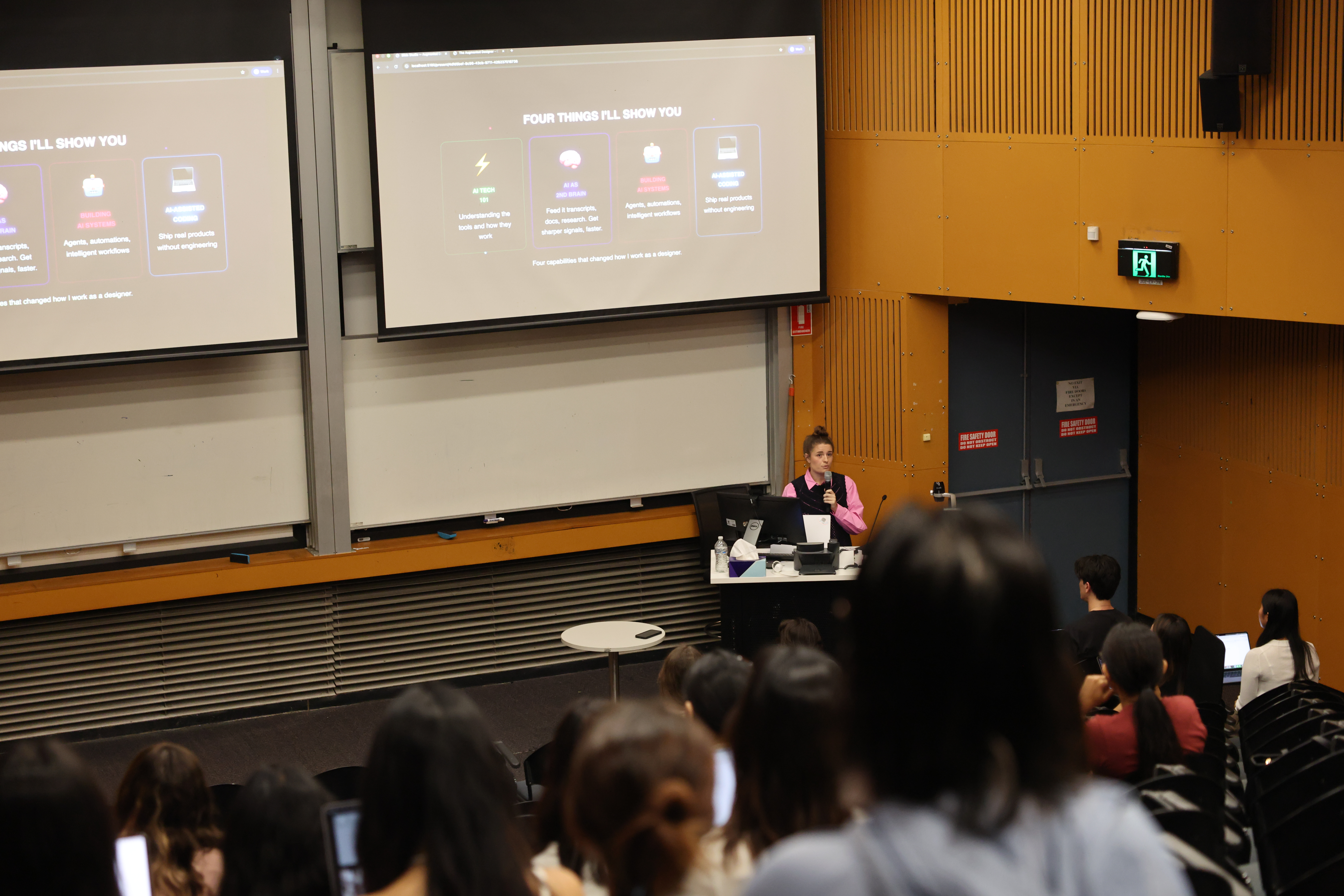
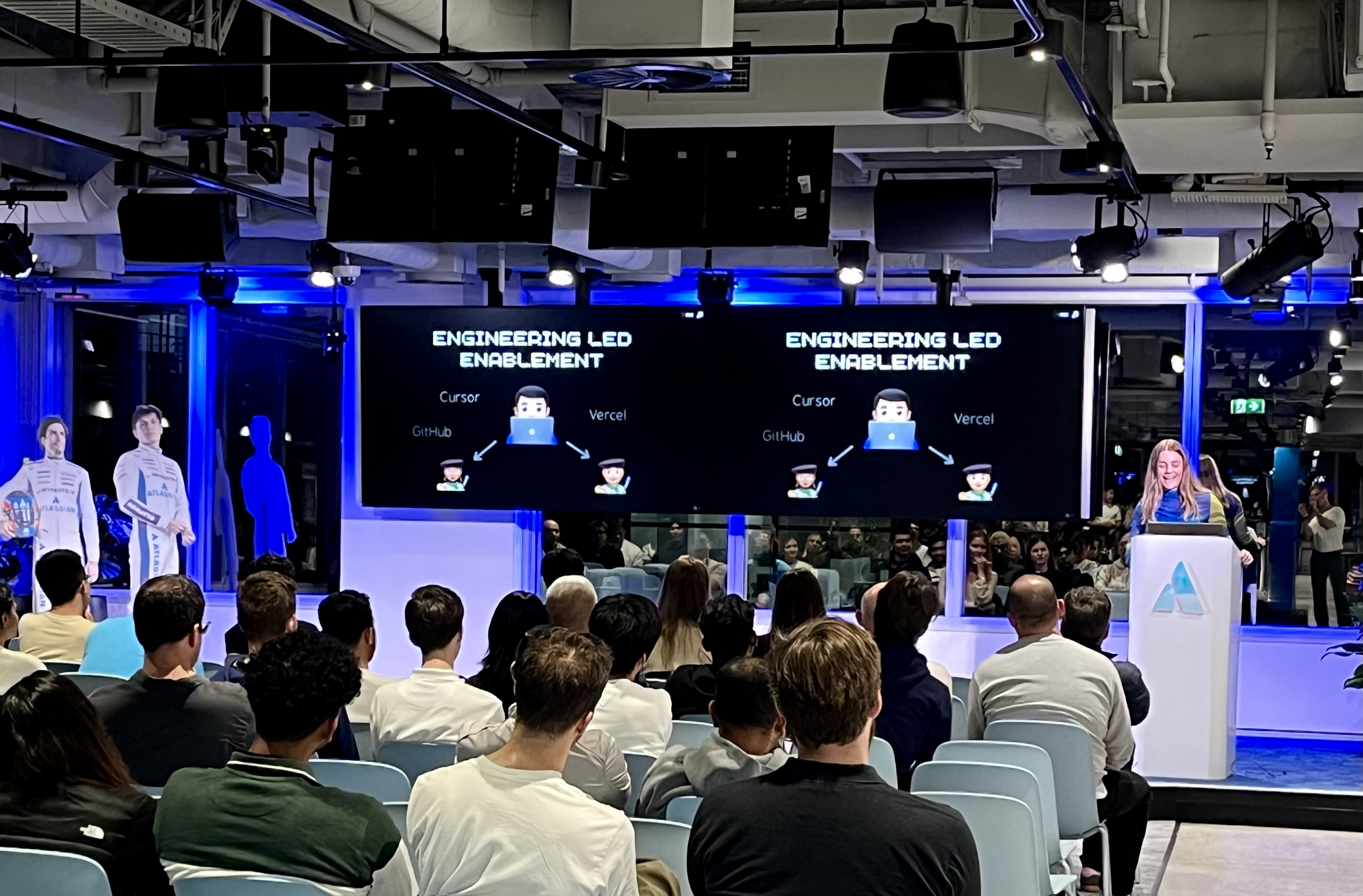
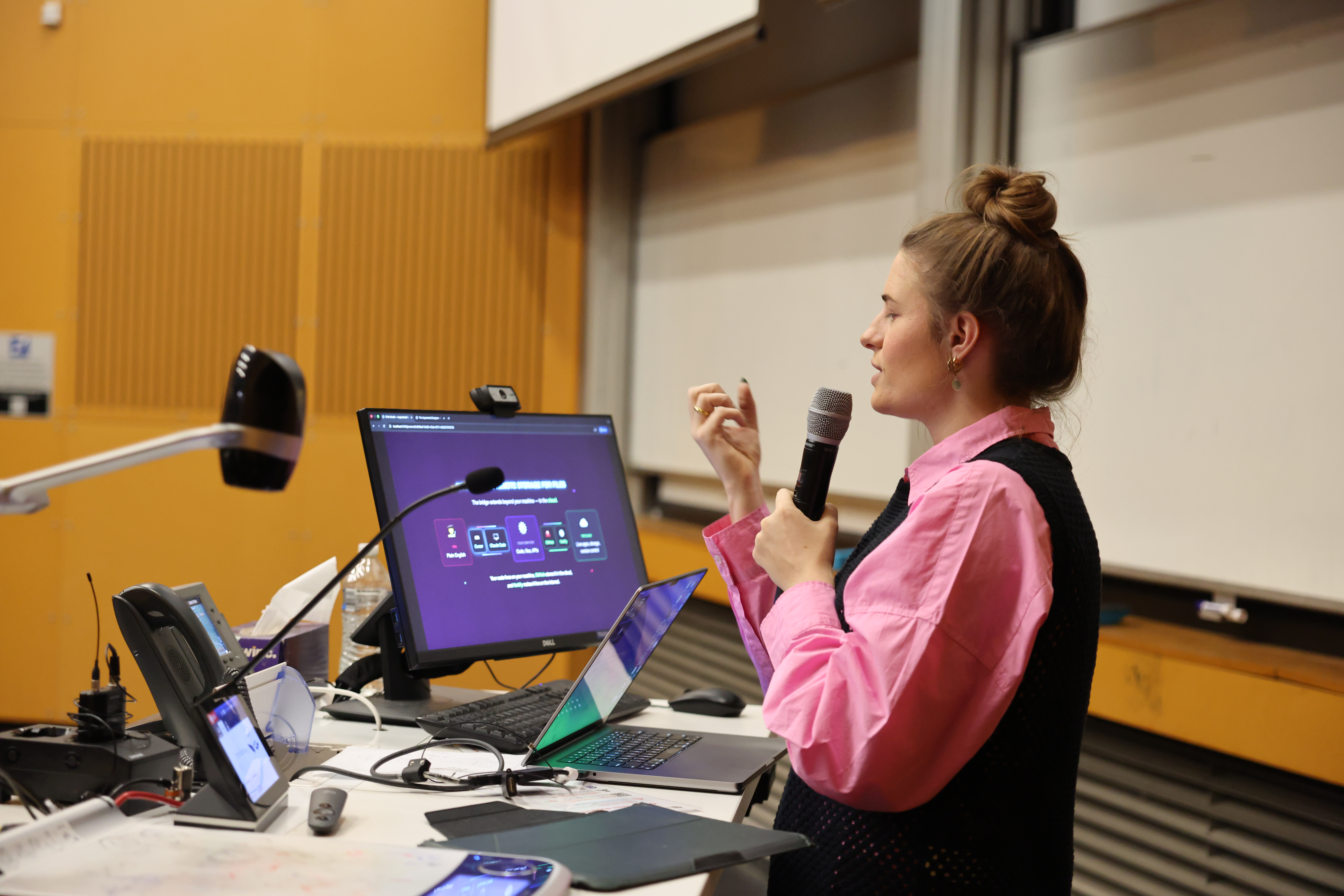
"When Freya demoed at the GenAI Lab event, I knew immediately she'd be a great mentor. A designer who ships code, it was a signal that the future of product is blurring the lines between PM, design, and engineering. Beyond the course, having the Discord community for quick advice on any question is invaluable. I'd highly recommend working with her."
Nishanth
Product Manager
Hazel
"Freya introduced me to Claude Code. Now I use it almost every day, renovating my website and portfolio, vibe coding small personal projects. I also found Freya's planning framework incredibly helpful. The way she structures project planning makes the process much less winding and helps turn vague ideas into something clearer and easier to build. Whenever I reached out with questions in the Discord, she didn't just give answers but took the time to explain the thinking behind them."
Hazel
Product Designer
View pricing

Why learn with Freya?

Freya Stockman Freya Stockman  - pixel art

I'm a product designer using AI daily and experienced solo-builder with over 6 years launching other education products and courses, helping over 4,000 students unlock their full potential.

I translate what AI engineers do into something non-technical people can actually use.

The Augmented Designer Course

Go from beginner to AI-native builder

Lifetime Access + Discord Community
$1,152 USD + GST
  • Access to all 8 levels of the course
  • Private Discord community - message Freya directly to get unstuck
  • Pay once. Course content updates forever.
  • Exclusive discounts on live workshop events
EARLY BIRD PRICING

Learn once. Use it everywhere.

Like reading, AI literacy is now a foundational skillset. Tools may change but these techniques stay relevant for decades.

FROM THE FRONTLINE

FROM THE FRONTLINE

Every technique comes from shipping real code and products with AI.

TIMELESS SKILLS

TIMELESS SKILLS

AI literacy that compound across every project and career move.

INSTANT UPGRADES

INSTANT UPGRADES

Your entire system instantly gets smarter with every LLM model upgrade.

Build a system that grows with you.

You don't need to master every new AI tool. Learn a core set of skills that will set you up for the future. No more AI fatigue.

Get started

Take vibe coding to new levels

Apply what the course teaches you with guided support

WORKSHOP 1

Ship Code & Design Workflows

Practice AI workflows including shipping code at engineer standards.

WORKSHOP 2

Full-Stack Apps

Learn step by step how to build a full-stack app designed built with AI.

WORKSHOP 3

Launch Your Business

Build the different systems needed to launch your own side hustle.

🔒 EXCLUSIVE DISCOUNTS FOR STUDENTS - Buy course →

📨 GET NOTIFIED ABOUT UPCOMING WORKSHOPS - Join email list →

View course

Got questions?

What's included and how does it work?

You get lifetime access to self-paced prerecorded lessons, a Discord community for quick feedback, and all future course updates. There are also live workshops you can join separately for hands-on guided practice - course students get exclusive 50% off discounts on all events. Workshops are announced via my email list - join to get notified when dates drop.

Who is this course for?

For designers, PMs, and engineers who want to own the entire product delivery process - from brief to shipped product. You'll learn to design, build, and deploy using AI tools, so you're never blocked by handoffs or waiting on another team.

Do I need coding experience?

No. The course teaches you how to setup your tools and how to direct AI to ship code, streamline workflows, and build apps - no prior coding experience required. You'll learn to direct AI tools.

What tools do I need?

Depends on your goals. The base tools I show you how to use include Cursor, Claude Code, GitHub, and local file systems. The advanced setup for building full-stack apps and connecting tools also includes APIs, MCPs, Supabase, etc. The course walks you through setting everything up.

Is there a money-back guarantee?

Yes. If the course isn't for you or isn't valuable to you within 7 days of purchase, I'll give you a full refund, no questions asked.

Is this app fully vibe coded?

Yes. Everything you see from this landing page to the course app, and everything inbetween was built using the skills I teach you inside this course. No hand-written code. If I can build all of this without traditional coding, so can you.

Can I earn money by referring students?

Absolutely. I have an affiliate program - you get a unique code, share it with your audience, and earn a flat commission for every student who enrols. They get a discount, you get paid. Sign up as an affiliate partner here →

Can you help me build my own course app?

Yes - I offer the entire app as a white label template. You get the full codebase with the content stripped out, ready for you to fill in. You own it completely, no subscriptions or platform lock-in. I also offer a setup service where I'll install, customise, and launch it for you - and coach you on using AI tools to build and iterate fast. Learn more about the white label course app →

Still have questions? Message Freya on LinkedIn →
Become an Affiliate Partner →
Buy White Label Course App →